

We’ve all been in that meeting.
It was 7:15 PM on a rainy Tuesday in Vancouver. I was sitting in the back of a client’s Board Meeting. The Executive Director, “Sarah,” was presenting her quarterly strategy.
She was passionate. She had a plan to grow the Youth Program by 30%. She just needed approval for a $50k budget gap.
Then, the Treasurer raised his hand.
I watched Sarah’s shoulders tighten. She knew what was coming.
“I see a line item here for $46.50 at ‘Tim Hortons’ in October,” the Treasurer said, looking over his glasses. “That seems high for coffee. Was this approved?”
The room went silent. The air left the balloon. For the next 20 minutes, the Board didn’t talk about the $50k growth plan. They talked about donuts.
I watched Sarah deflate. She wasn’t frustrated because of the question. She was frustrated because she knew she had lost control of the room.
The “Data Dump” Trap
That night, I realized something that changed how we operate at BrightenCPA: In a nonprofit, “Transparency” does not mean “Data Dumping.”
Sarah had sent the Board her full General Ledger because she wanted to be open. But by giving them a haystack, she invited them to find needles.
When you give a Board too much detail, you aren’t being helpful. You are distracting them from their actual job: Governance.
The Fix: The 3-Tab System
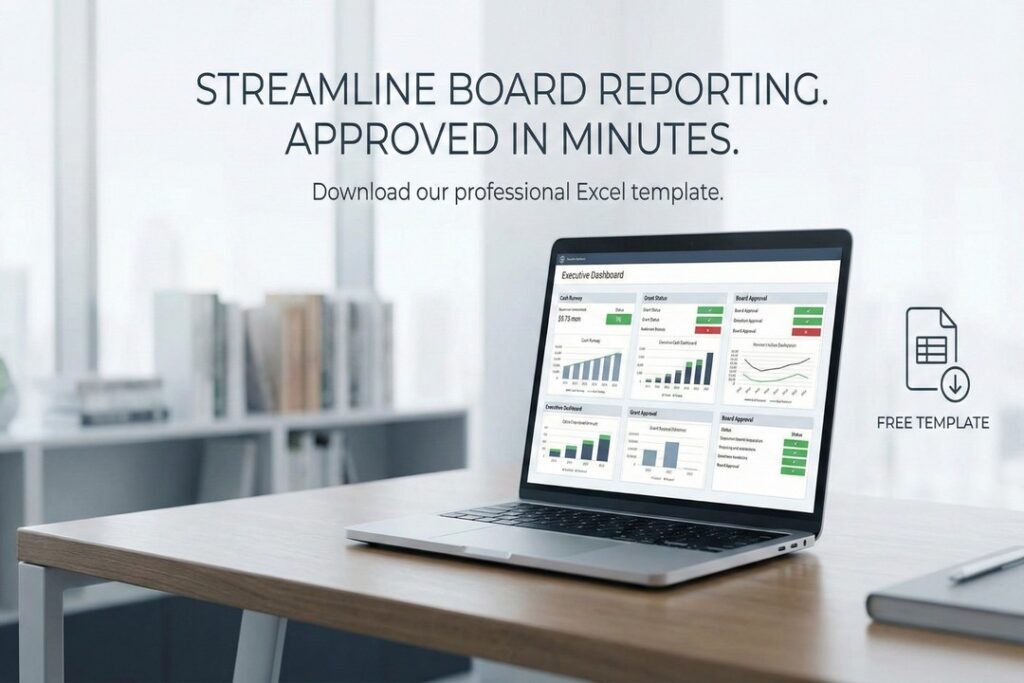
We changed Sarah’s reporting immediately. The next quarter, we didn’t send the transaction list. We sent a clear, organized Excel file with three distinct tabs.
When the Treasurer raised his hand this time, he didn’t ask about coffee. He pointed to the “Grant Tracker” tab and asked: “I see the Van Foundation is marked as ‘Urgent’—how do we deploy that money before the deadline?”
Sarah got her budget approved in 10 minutes.
Download the Template
You don’t need better answers for your Board. You need a better Board Report.
I spent this weekend turning Sarah’s file into a blank Excel template. It includes the exact three tabs you need to keep the Board focused:
- The Board Dashboard: A high-level view using “Traffic Light” colors (Green/Red) so the Board sees the health of the organization, not the receipts.
- The Grant Tracker: A dedicated view to track restricted funds, showing you exactly which grants are “Safe” and which are “Urgent” based on spending deadlines.
- The Compliance Checklist: A simple monthly sign-off sheet to ensure you never miss a critical deadline like the T3010 or GST filing.
If your Board needs more than just a template and requires ongoing financial guidance, review our Nonprofit Accounting Services
Click Here to Download the Dashboard Template (.xlsx)
(Note: This file is macro-free, includes the formulas, and is ready to use immediately).
Still unsure how to present this to your Treasurer? Contact us today for a quick review of your board package.